If you want to create multiple folders using filenames here is a simple way. You will however require WinRAR for this method. If you don't have WinRAR you can download a trial copy from here.
Here is how to do it:
Here is how to do it:



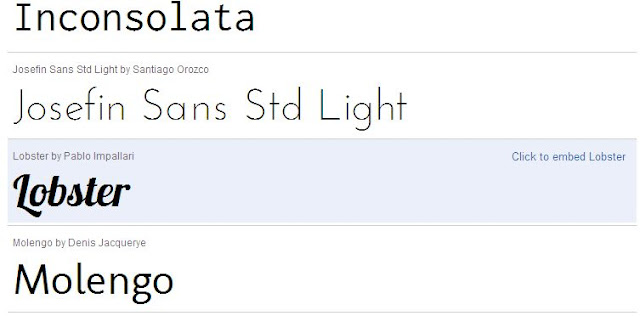
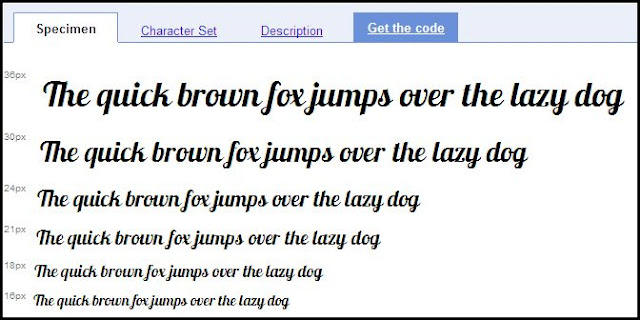
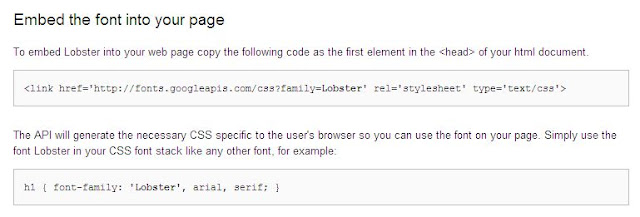
<link href='http://fonts.googleapis.com/css?family=Lobster'Note that the last element has been changed from > to />. this way your CSS will be parsed correctly and will not give errors.
rel='stylesheet' type='text/css'/>
Blog Header Title #header h1 {font-family:FontName;}Change the Fontname to your desired font . Thus you have installed Google fonts in your blog.
Header description .description {font-family:FontName;}
Sidebar Title .sidebar h2 {font-family:FontName;}
Post Title .post h3 {font-family:FontName;}
Post Body Fonts .post {font-family:FontName;}
Footer Title #footer h2 {font-family:FontName;}
Whole Template body {font-family:FontName;}


| s. no. | password | time to crack |
| 1 | abcdefgh | ~ 5 Hours |
| 2 | abcdefghij | ~ 163 days |
| 3 | ABCDEFGHIJ | ~ 163 days |
| 4 | Abcdefghij | ~ 458 Years |
| 5 | Abcdefgh12 | ~ 2000 Years |
| 6 | Abcde@1234 | ~ 17000 Years |